Icon extraction and export guides
Use these guides to choose the right detection method, fix difficult edges, and deliver a complete icon set in the format and sizes your project needs.
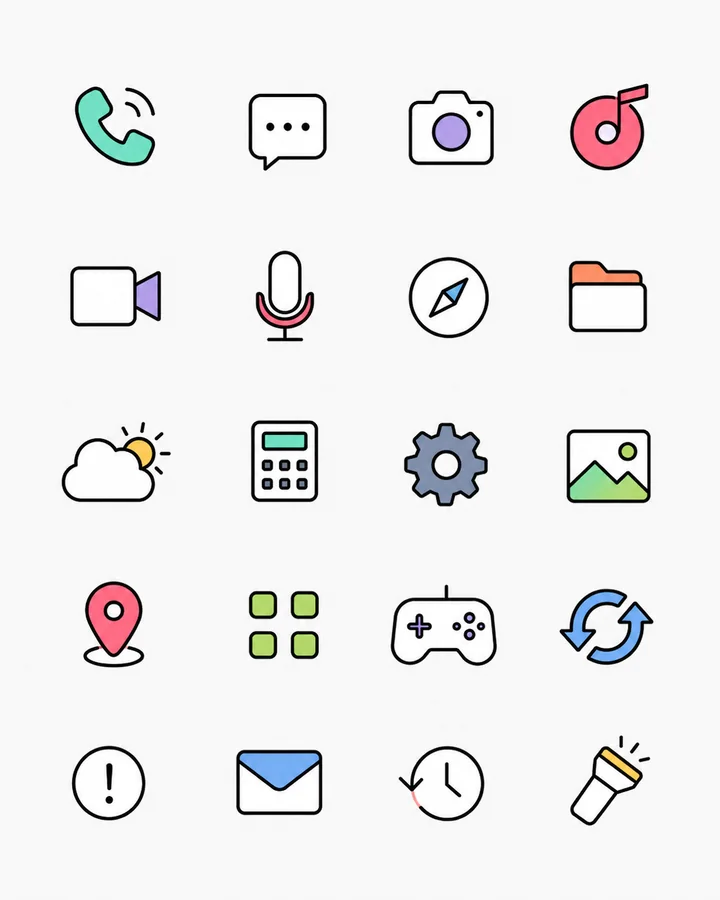
Need ready-made assets rather than an extraction workflow? Browse the free original Split icons in SVG and PNG, with no login required.
Split and select icons
Start with the workflow that matches the structure of your source image.
Repair and smooth edges
Clean transparent boundaries without confusing raster smoothing with vector conversion.
Choose formats and sizes
Export each repaired result for web, UI, or scalable design use.
Follow a worked example
Practical walkthroughs with source files and review checklists.
Troubleshoot a specific result
Read the IconSplit blog for focused diagnoses backed by test images.
Choose a workflow for your next task
Practical tasks, with English and Chinese walkthroughs.
AI website mockups to usable assets
Extract logos, icons and illustrations from ChatGPT and Gemini designs, then prepare them for your project.