Turn a website mockup into reusable image assets
Extract icons, logos and illustrations from ChatGPT or Gemini website designs and UI screenshots. Select the artwork, refine its edges and export PNG, WebP or SVG files for websites, prototypes and developer handoff.
Choose the right approach for your layout
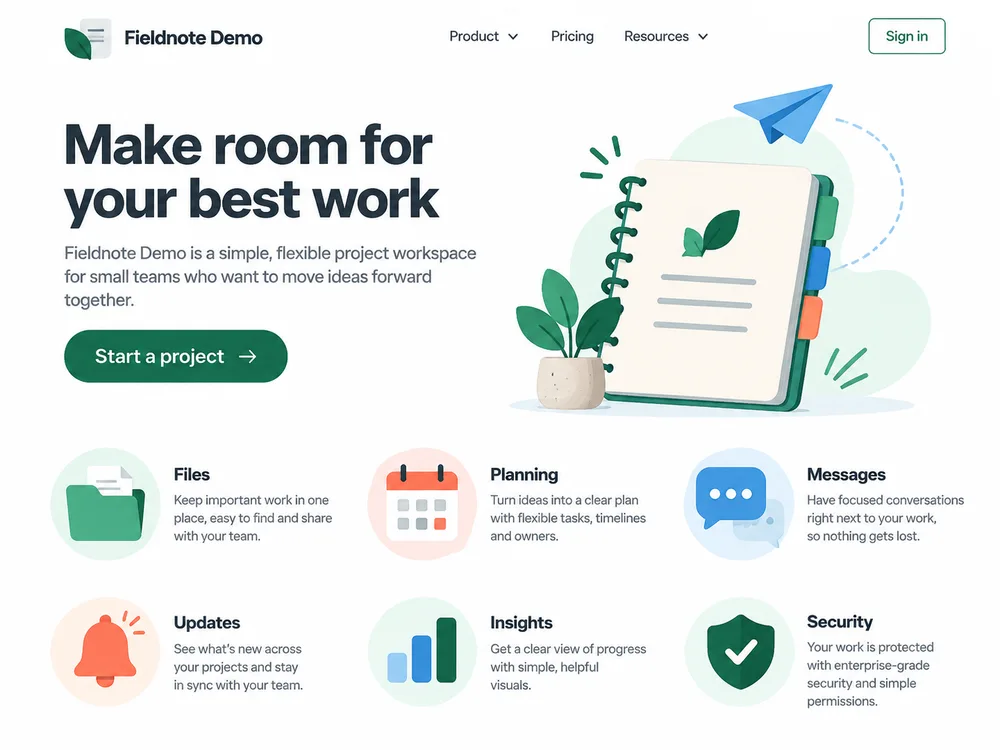
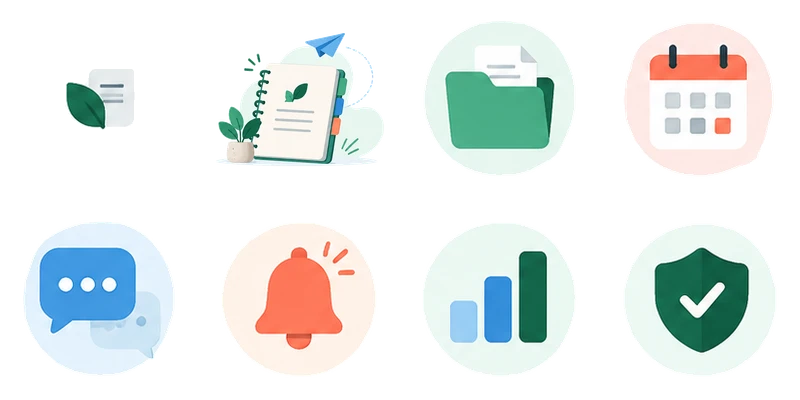
Start with automatic detection when artwork is well separated on a consistent background. Use manual selection when icons sit close to text, elements vary in size or an illustration has detached details.
Automatic detection may also select text, buttons or whole cards. Review the results, remove unwanted regions or switch to manual selection to keep the assets your project needs.
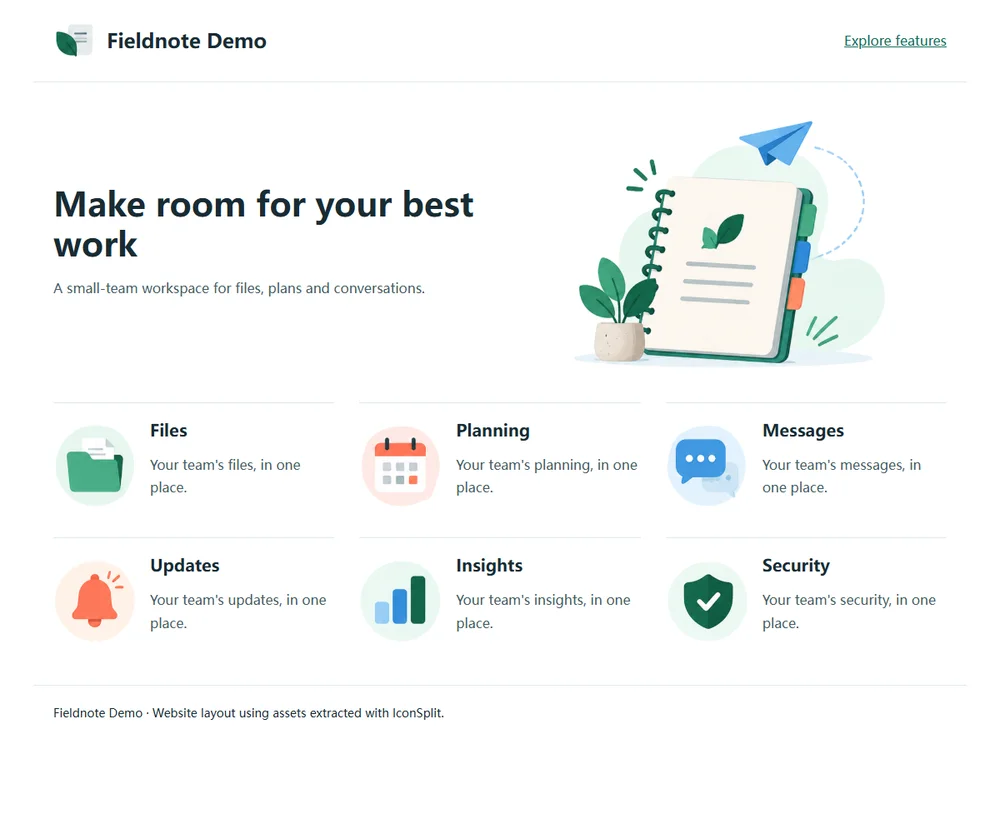
From an AI-generated webpage to reusable assets
Clean the background and refine edges
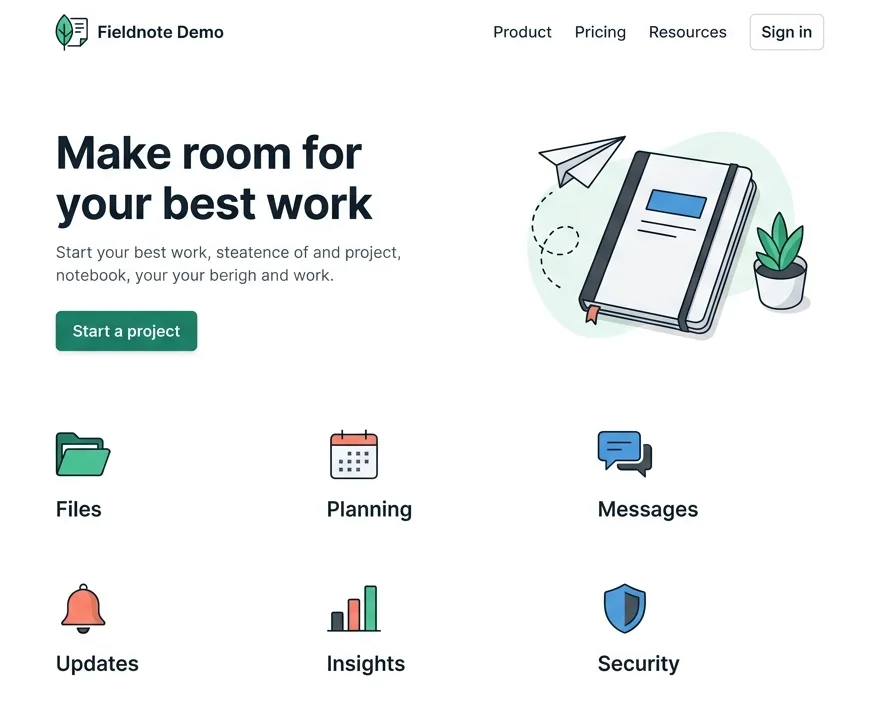
After extraction, inspect halos, shadows and fine strokes on light and dark backgrounds. Use Repair to adjust cleanup, edge shrink and smoothing for the destination page. Keep intentional pale circles, paper and white fills when they belong to the design.
Put the exported assets to work
Choose the right output format
Use PNG or WebP for gradients, textures and detailed illustrations. Use SVG to reconstruct simple graphics as scalable paths. A flattened image cannot restore original HTML/CSS, design layers or covered content. Complex backgrounds and merged shadows may need further editing; larger exports do not add source detail.
Extract assets from your own design
Upload a website mockup, select the assets you need and export them for your project. Signed-in free accounts can process 3 images per day and export PNGs up to 512px on the longest edge. Individual and ZIP allowances are shown in your account.
Need WebP, SVG, larger original dimensions or multiple export sizes? Choose a plan for your project or ongoing workflow.