AI website asset guide
Extract Assets from ChatGPT Images
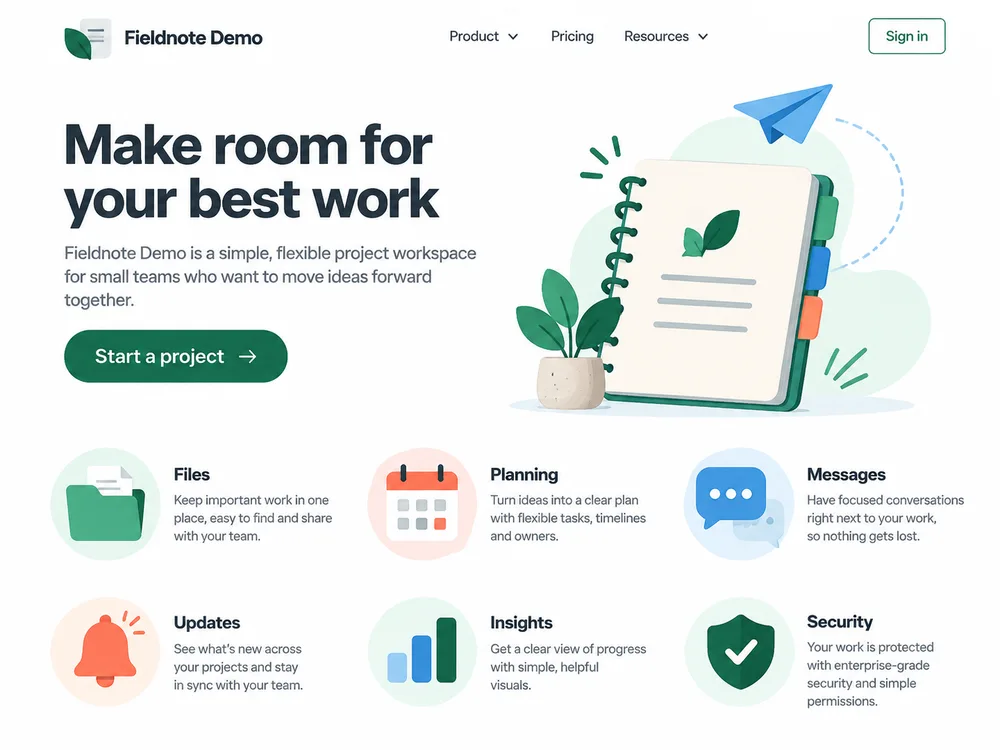
Extract a logo, illustration and feature icons, then refine and export them for your website.
Turn AI image boards into individual icons, export SVGs, and check the details before delivery. Practical walkthroughs with real inputs, results and downloadable examples.
Need a quick reference? Browse the icon extraction and export guides.
Extract a logo, illustration and feature icons, then refine and export them for your website.
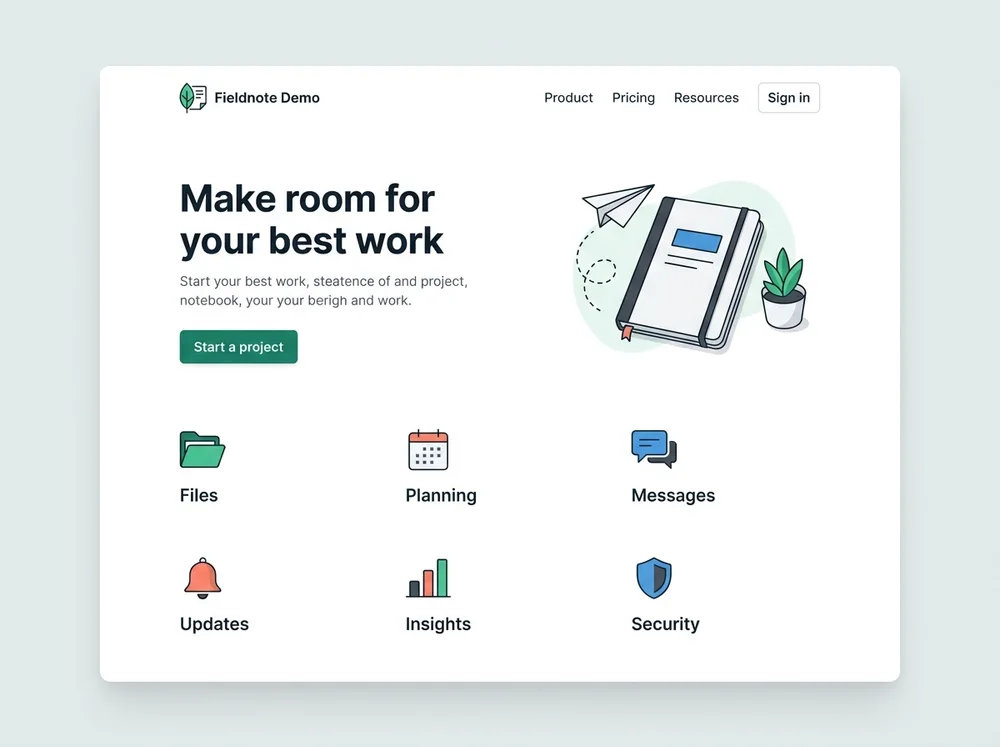
Prepare the website image, select artwork and export PNG, WebP or SVG assets for your project.
Extract assets from website mockups and screenshots
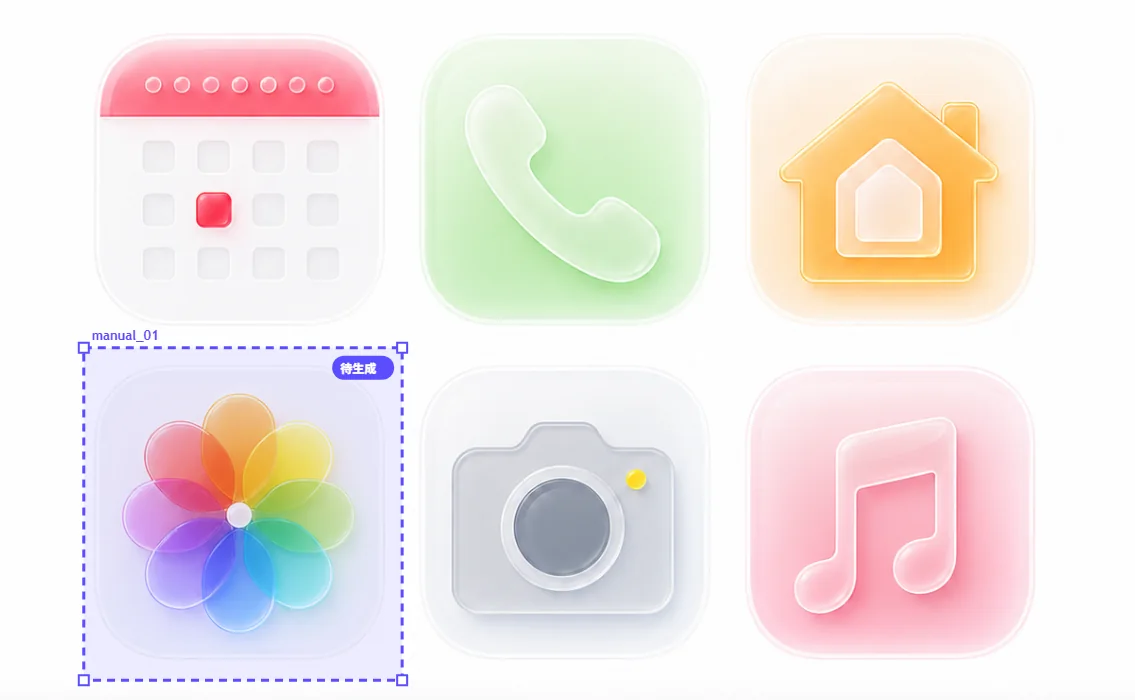
Recover individual UI icons from a screenshot: choose source quality, isolate crowded controls, inspect transparent edges, and prepare prototype assets.
Prepare transparent icons for slides and teaching materials: separate a sheet, review white fills, choose useful sizes, and build a consistent presentation set.
Turn extracted icons into a clear handoff: agree on formats, distinguish canvas size from artwork bounds, rename files, and check a ZIP before delivery.
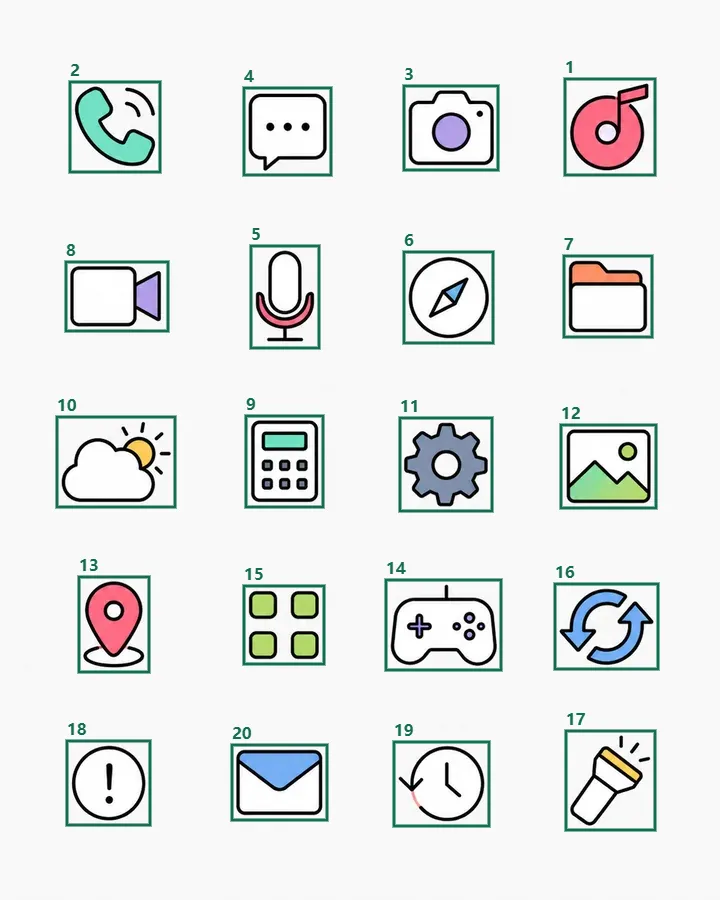
From a generation brief to separate files: a practical checklist using a measured 20-icon board.

Separate first, convert second. Walk through SVG export with a real source PNG and an inspectable vector result.

A file ending in .svg is only the start. Check geometry, transparency, scaling and editability before handoff.
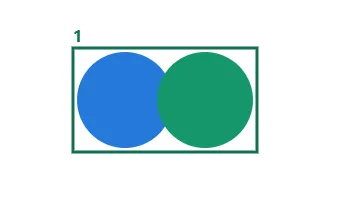
A stray fragment and two merged icons need different fixes. Diagnose the crop before changing detection settings.
File dimensions, transparent padding and visual weight are different. See what to adjust and what to leave alone.