
Batch extract icons and download them together
One sheet in, one organized ZIP out. Keep the icons you need, rename individual files, and choose sizes and padding before exporting the set. Batch extraction processes the icons within one image, not multiple source uploads.
Sign in to process 3 images per day free, including examples. Free PNG exports are up to 512px; your available allowance is shown after sign-in. Need more? A $1.99 pass unlocks 24 continuous hours, with no auto-renewal. See free and paid export options.
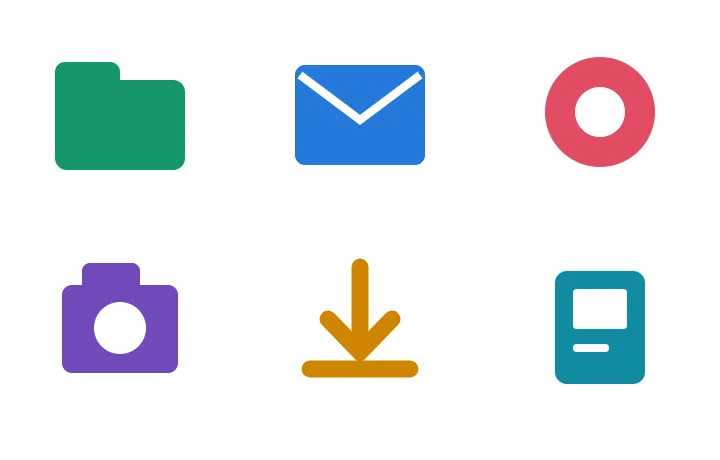
Open a ZIP and know exactly what is inside
This fixed example packages six PNGs from the studio sheet with a settings manifest. The image files use the website's export renderer: PNG, base size 128px, 1x scale and 10% padding. File names were assigned individually for this example.
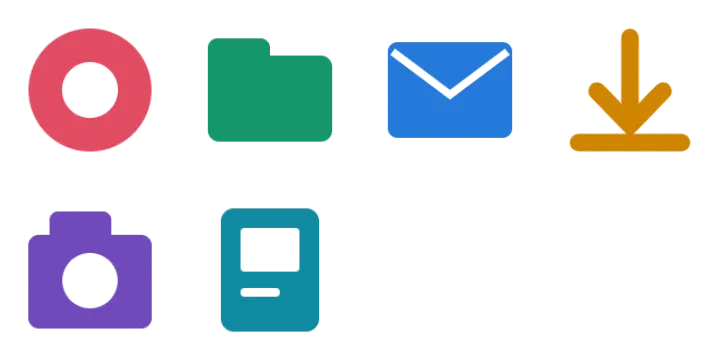
Example package
studio-example.zip
  ring.png       128 x 128
  folder.png     128 x 108
  mail.png       128 x 100
  download.png   126 x 128
  camera.png     128 x 122
  document.png   104 x 128
  manifest.json
Download this fixed example ZIP
This fixed demonstration ZIP is available without a plan. For your own image, use an available trial ZIP allowance or a paid pass; check the export options below.
The base size controls the longest output edge. The files retain their aspect ratios, so a 128px base does not make every PNG 128 x 128. This example manifest records file names, dimensions and settings; a normal tool export also includes its per-icon metadata.
Padding changes the space around the artwork
These are actual exports of the same ring icon, all at 128 x 128px. The outer frame marks the file boundary. Increasing padding leaves less space for the artwork inside that boundary.



Use 1x, 2x or 3x when you need density variants. Inspect the output dimensions in the preview; enlarging raster files does not recover detail missing from the source.
Matching settings but uneven-looking artwork? See why same-size PNG icons can look different sizes, with a fixed-box CSS example.
Organize files before the final export
- Choose the set. Deselect extra regions and inspect any suspicious detections.
- Rename individual files. Replace generic names such as
icon_01.pngwith the intended purpose. The website currently offers per-icon renaming, not an automatic bulk naming template. - Choose the output. Select the format, base size, scale and padding, then preview.
- Export together. Package the selected set as a ZIP instead of saving each file separately.
What is free, and what needs a plan?
Sign in to process 3 images per day, including examples. During the current free-export trial, eligible accounts can download up to 10 individual PNG icons per day across their images and one complete image as a PNG ZIP per calendar month. The ZIP can contain every icon in that image and does not use the daily single-PNG allowance. Both are limited to a 512px longest edge; daily and monthly periods reset at 00:00 UTC.
Accounts outside the trial can download one PNG sample per image, up to 512px. Check the allowance shown after sign-in before exporting; the expanded allowance is not available to every account.
For a larger delivery, the $1.99 24-hour pass includes unlimited image processing and PNG, WebP, SVG and ZIP exports, with original-size and multi-size options. Access lasts 24 continuous hours from completed payment. One-time payment. No auto-renewal. Your free allowance resumes when it expires. Pro monthly and Lifetime are also available.