
Detect multiple icons and preserve a versioned manifest for the full set.
IconSplit Plugin
Install IconSplit locally in Codex
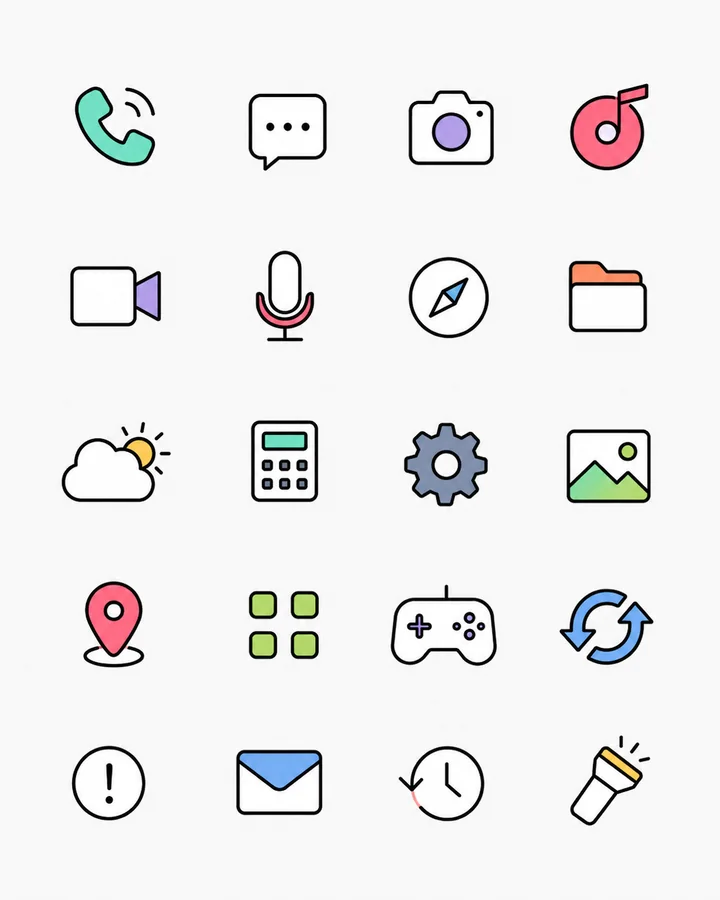
Select a workspace image, review every detected icon, repair difficult edges, and export project-ready files from the Codex task where you already work.
Codex package availableDownload the local plugin package. The cloud connection is still being prepared.




Local Codex installation
Install from the downloaded package
The package registers a local marketplace and installs IconSplit through the Codex CLI. It does not require administrator access or modify unrelated plugins.
- 01Download and extract
Extract the ZIP into a permanent folder. Keep that folder after installation because the local marketplace points to it.
- 02Run the installer
On Windows, run
powershell -ExecutionPolicy Bypass -File .\install.ps1. On macOS or Linux, runsh ./install.sh. - 03Restart Codex
Open a new task and ask Codex to split an icon sheet. Authorization is requested only when the cloud processing connection becomes available.
Current limitationThe downloadable Codex package is ready, but
mcp.iconsplit.com and plugin OAuth are not publicly active yet. Installation can be tested now; cloud image processing will start after those services are enabled.From one image to files your project can use
- 01Choose the sheet
Use an image from your Codex workspace or attach one in ChatGPT.
- 02Review the set
Remove false detections, reorder icons, and apply a naming template.
- 03Repair and layout
Clean backgrounds, shrink halos, smooth edges, add padding, and set export sizes.
- 04Export where you work
Write files into a Codex workspace or download them from the ChatGPT result UI.
Built for complete sets
The same IconSplit workflow, connected to your AI workspace
Apply background cleanup, edge shrink, and optional edge smoothing before export.
Choose raster output or editable vector paths for suitable flat icons.
Set padding, alignment, dimensions, ordering, and reusable filename templates.
Export a complete package with names, sizes, formats, and icon metadata.
Cloud inputs and generated files expire after 24 hours and can be deleted immediately.
Authorization on first use
Connected only when you need it
Downloading or installing the plugin does not upload an image. After the cloud connection opens, the first processing request starts authorization, and each selected file is uploaded only for the requested IconSplit job.
Read the privacy policy